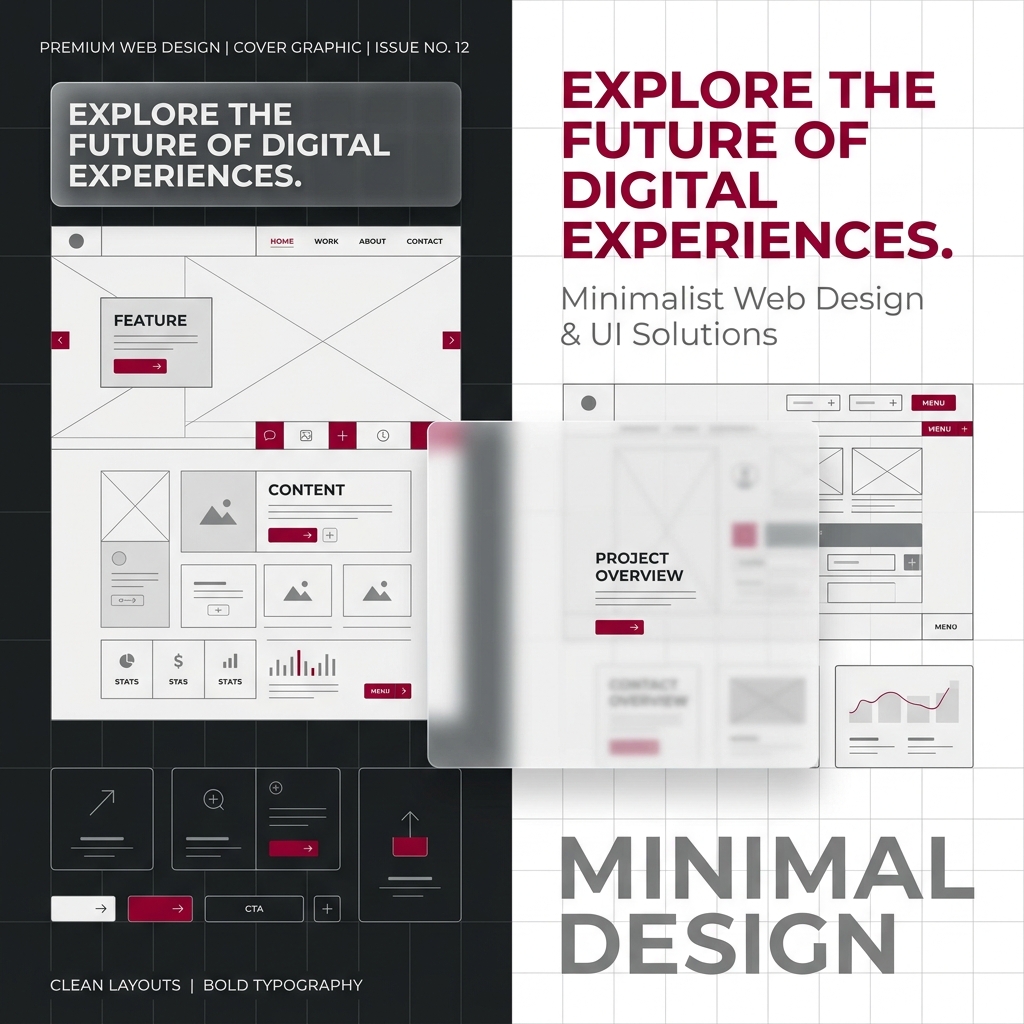
Whether you're building a personal blog, a startup portfolio, or an enterprise domain registrar system like iTec, understanding how design impacts user perception is crucial. At its heart, web design is not just about making things look clean; it's about structuring digital spaces to make navigation intuitive, pleasant, and accessible for everyone.
1. Key Web Design Principles
Web design operates on a set of core principles that guide user attention and behavior. Following these rules prevents friction and keeps bounce rates low:
- Simplicity: Eliminate unnecessary visual noise. By focusing on vital content, users complete actions (like registering a domain or buying hosting) with less cognitive load.
- Consistency: Reusing button styles, color semantics, navigation lists, and font sizes across pages creates a cohesive design system that builds trust.
- Visual Hierarchy: Direct the user's eye by scaling text sizes (e.g. using a single H1 per page, prominent H2 headers, and bold labels for key CTAs).
- Feedback & Interaction: Digital interfaces should feel alive. Micro-animations, subtle button hover elevations, and responsive click indicators validate that the user's actions have been processed.
"Design is not just what it looks like and feels like. Design is how it works." – Steve Jobs
2. Layout Structures & Negative Space
A web page layout is like an invisible skeleton. Most modern interfaces use grid systems and Flexbox layout flow to create alignment and structure. Grids help maintain structural balance even when displaying asymmetrical content.
Equally critical is whitespace (negative space). Negative space isn't wasted space; it provides room for visual elements to breathe, enhancing legibility. Cluttered layouts make pages hard to read and scan. When spacing and line heights are optimized, readability increases drastically.